
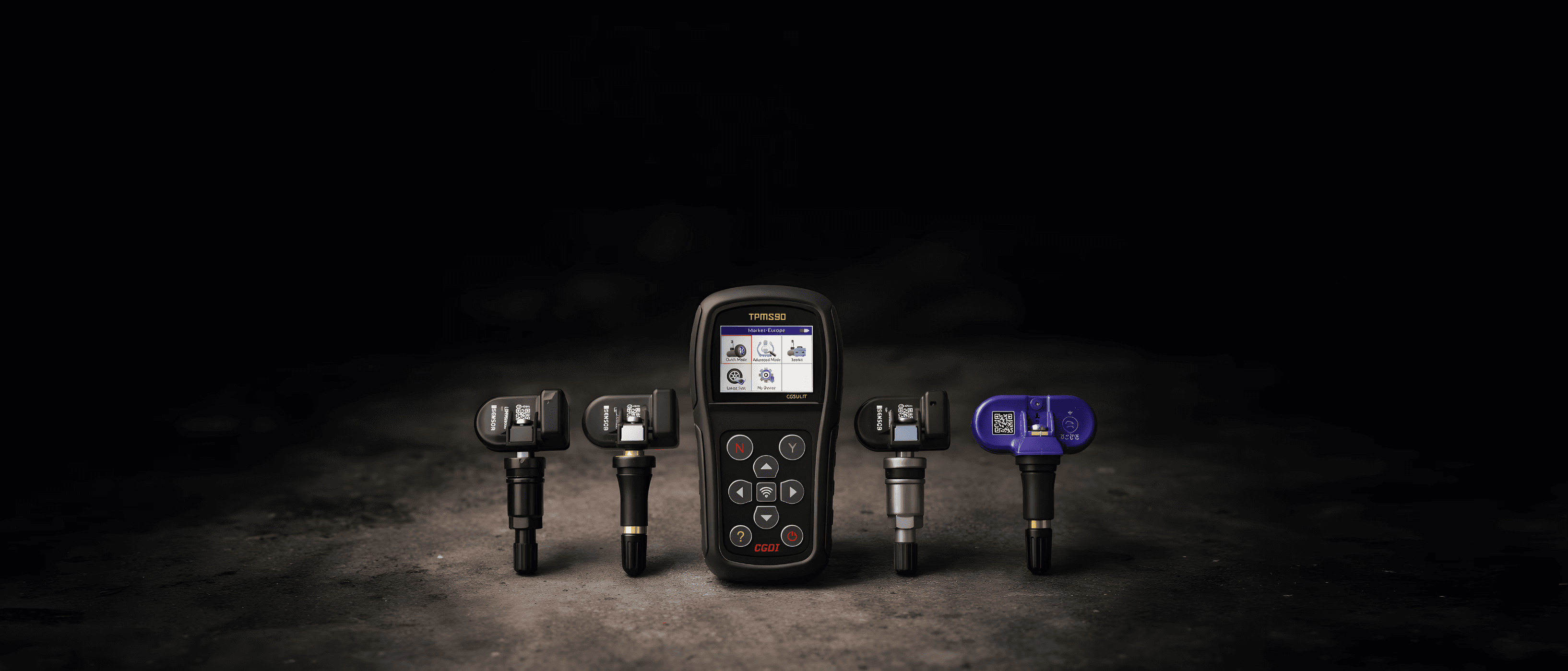
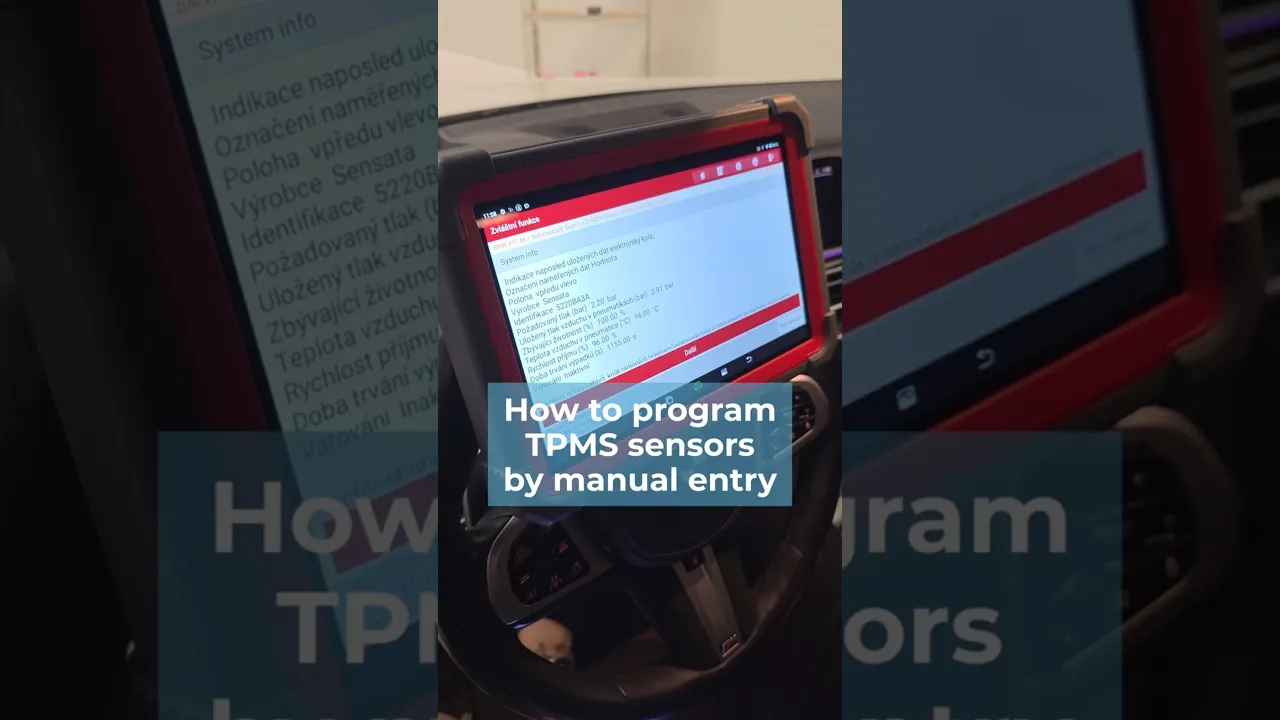
This guide describes how to manually enter the ID into empty CGSULIT valves using the TPMS90 device. First, use a diagnostic tool to determine the sensor IDs. You will also find a video tutorial at the bottom of the page.
1. Determining sensor IDs using diagnostics
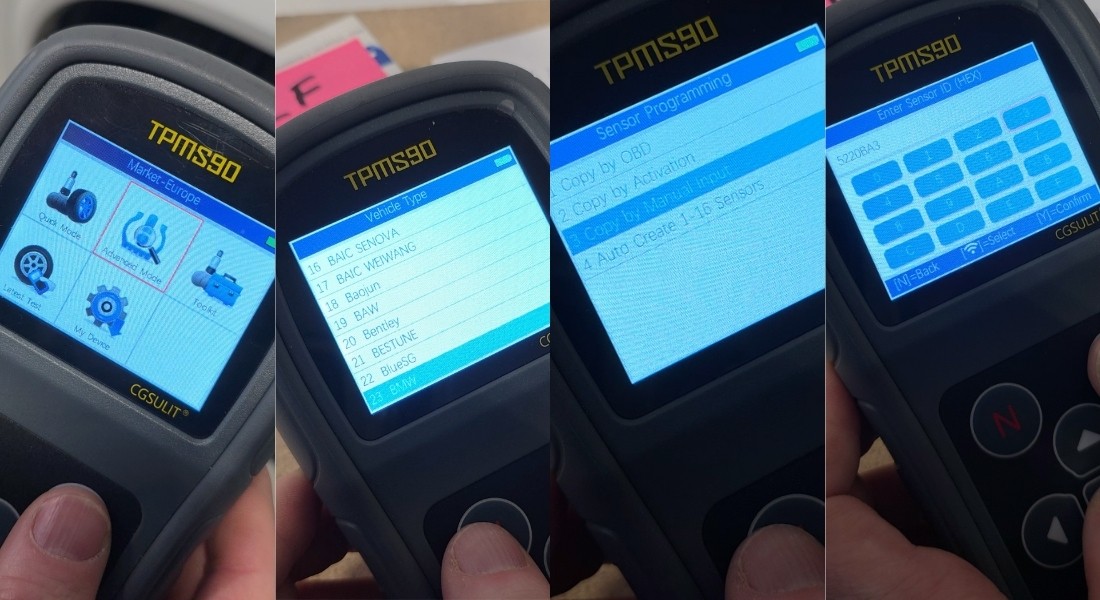
2. Selecting manual entry on the TPMS90 device
• On the TPMS90 device, select the Advanced Mode icon in the main menu.
• Select the vehicle make, type, and model.
• Select the Copy by Manual Input function.
3. Manually entering the ID and programming the sensor
• On the screen, manually enter the ID of the sensor you want to program.
• Confirm your selection using the middle button.
• Confirm the entry by pressing the Y button.
The device will then prompt you to place it against the sensor (valve).
IMPORTANT NOTICE:
During programming, all other sensors must be at least 120 cm away from the sensor being programmed. Otherwise, the device may detect another sensor in the vicinity.
Recommendation: Keep the sensor being programmed near the device and place the other sensors on a distant table, for example.
• Place the device against the sensor.
• The ID will be uploaded to the empty valve.
• A confirmation of successful programming will appear on the screen.
Repeat the procedure for all sensors you wish to program in the same manner.
4. Sensor Installation
Once all the sensors have been programmed, you can install them on the vehicle's wheels, thereby completing the TPMS sensor programming.